ShopifyGift options
for Shopify

Gift options,
right in the cart.

Wrapping, boxes, cards and add-ons — chosen in the cart, once the shopper has already decided what to buy. Every choice is priced, added to the order, and ready to fulfill. No theme code, no product pages to edit.

All features are free while we are in launch.
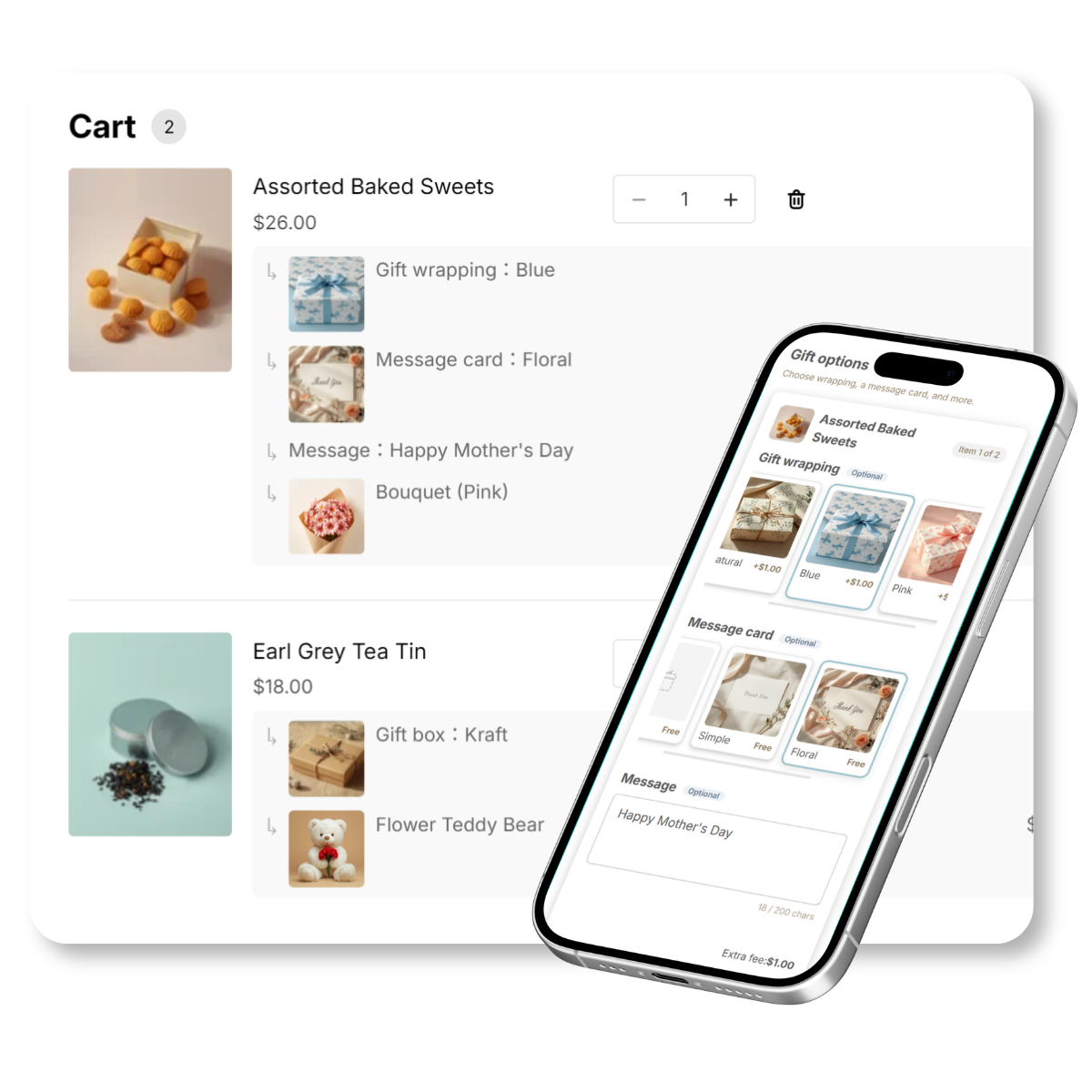
Gift options shown right in the Shopify cart

THE PROBLEM

Gift requests, handled by hand

Shoppers want wrapping, a card, a note, a gift bag.
Without a way to collect it, every request turns into a one-off conversation

A gift wrapped by hand

"Can you gift wrap this?"

Every request becomes an email thread. The order and the gift instructions live in different places, so someone has to match them up

Pink gift wrapping

Order notes, doing the heavy lifting

Wrapping and engraving requests arrive as free text in the notes field, then get tracked by hand — with the risk of being missed or mixed up

Theme code editing

Options that need theme edits

Most gift apps put options on the product page and ask you to edit the theme. Setup stalls, and the feature never ships

Gift Style handles all of it
in the cart

WHY THE CART

Gift options belong
in the cart

Most gift apps put options on the product page and need theme edits. Gift Style moves them to the cart, where the shopper has already decided what to buy

  • No theme code, and no product pages to edit one by one
  • Shoppers choose once, after the buying decision is made
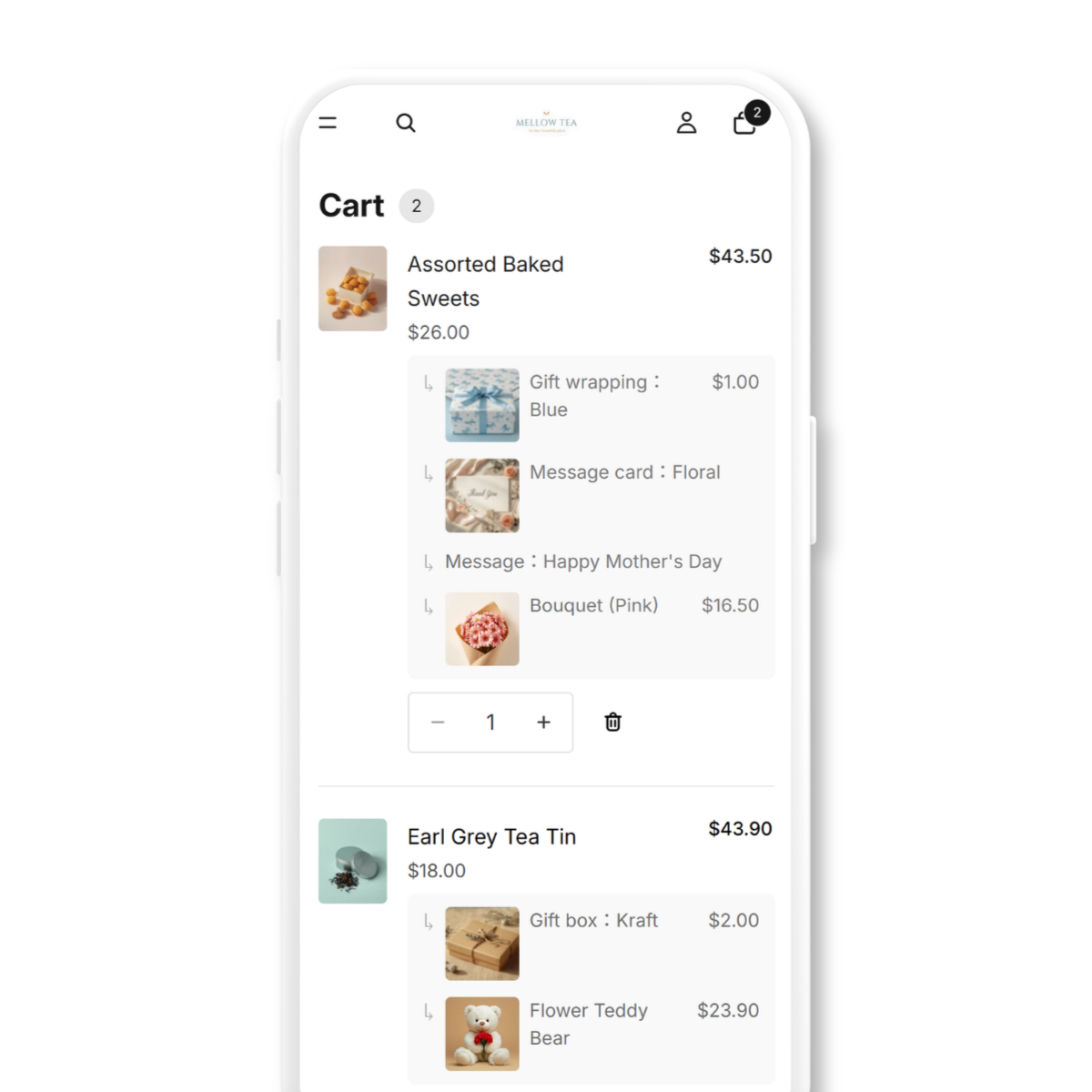
  • Choices sit under the product they belong to, so the cart stays readable
  • Priced choices are added to the cart total automatically
  • Every selection stays on the order, ready for your packing team

📦 Nothing to chase up. What the shopper picked is on the order, so fulfilment sees it without asking

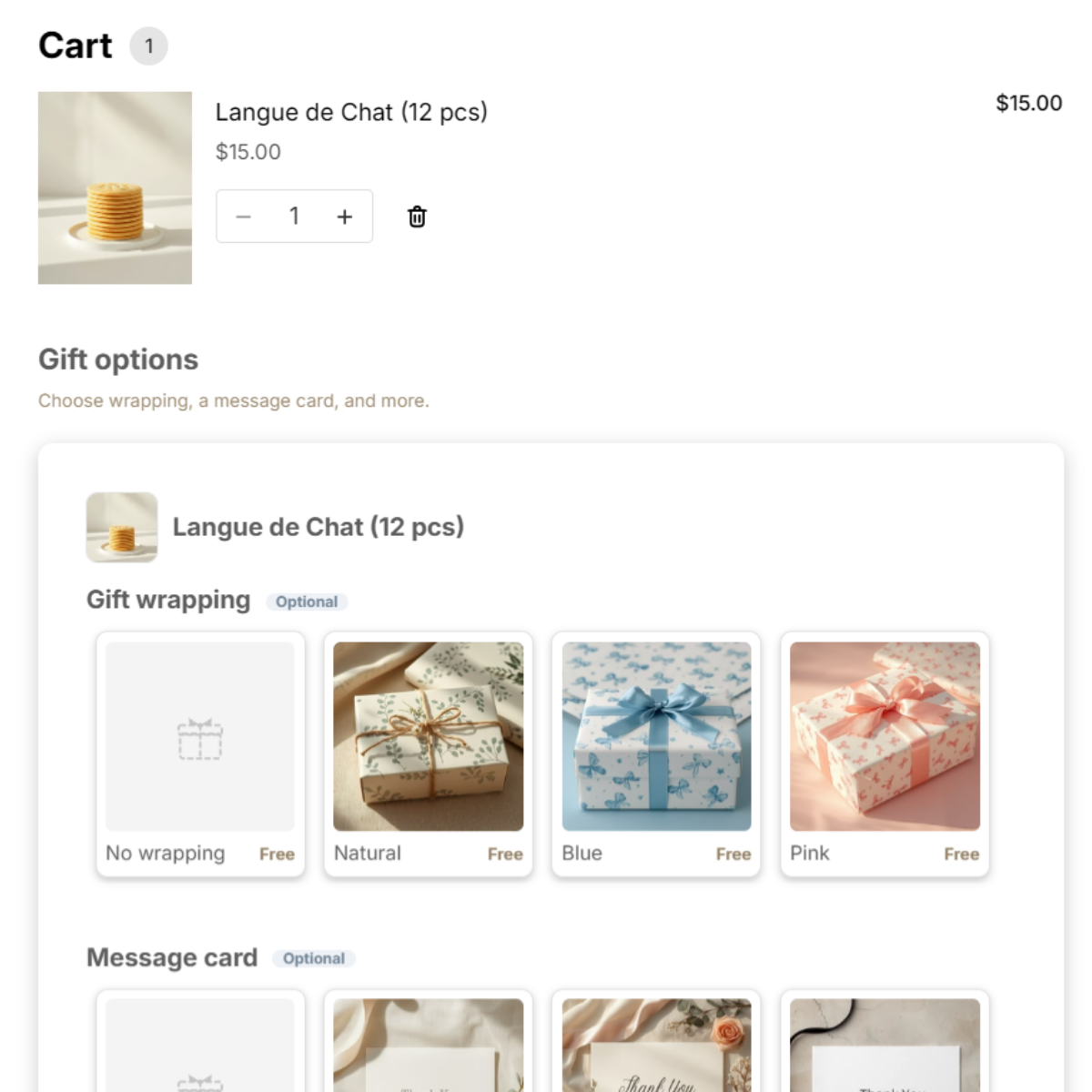
Cart page showing gift options grouped under each product
Wrapping, box and card options chosen on the cart page

FEATURES

Everything is
yours to set

What you offer, what it costs, and how it looks — all yours to decide

Gift options grouped under each product in the cart 01

Chosen in the cart, done

Wrapping, boxes, cards and add-ons are picked in the cart, once the shopper has already decided what to buy

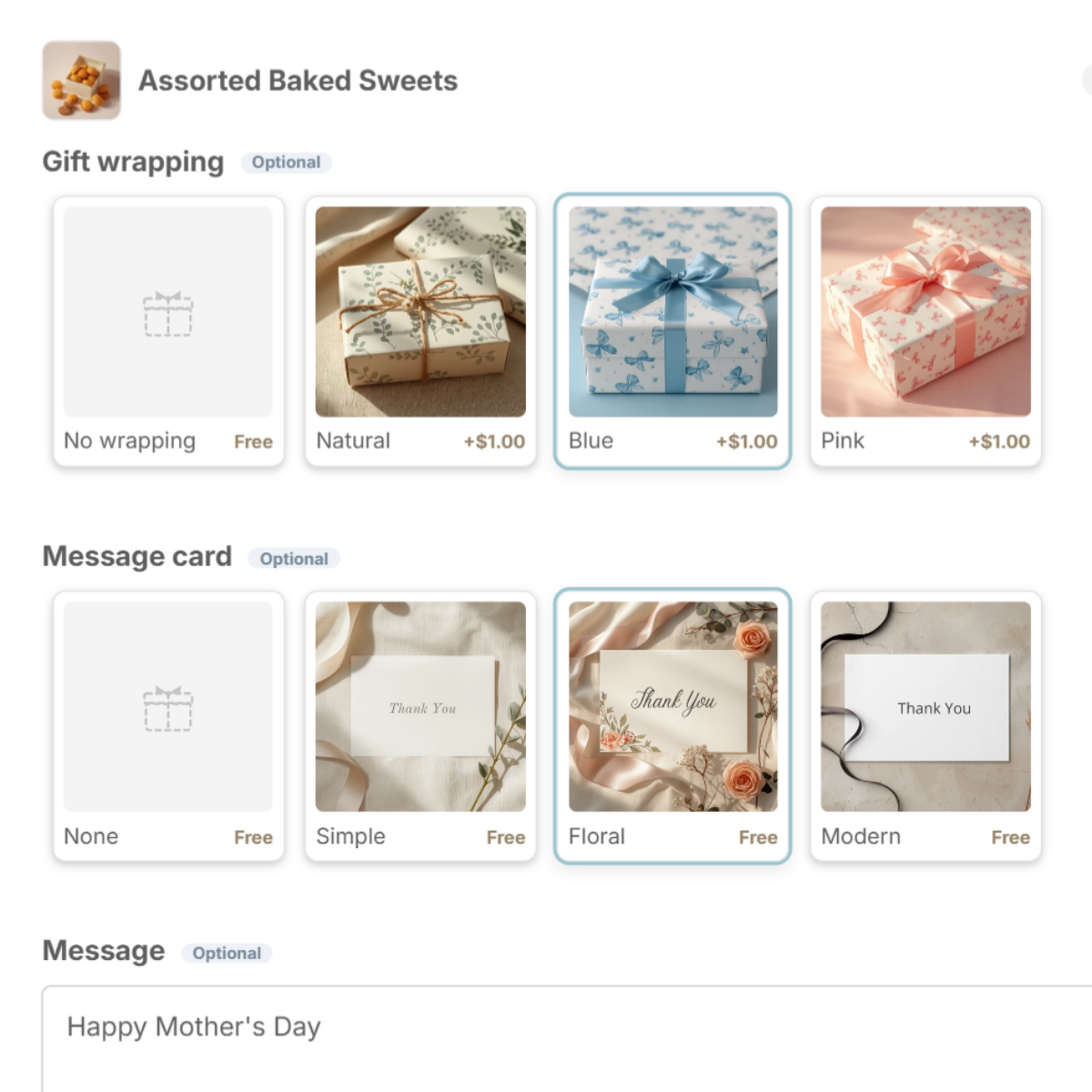
Gift box and message card options with images and prices 02

Options they can see, not just read

Show wrapping, boxes and cards as image cards with prices. Far clearer than a dropdown — and you decide what to offer and what it costs

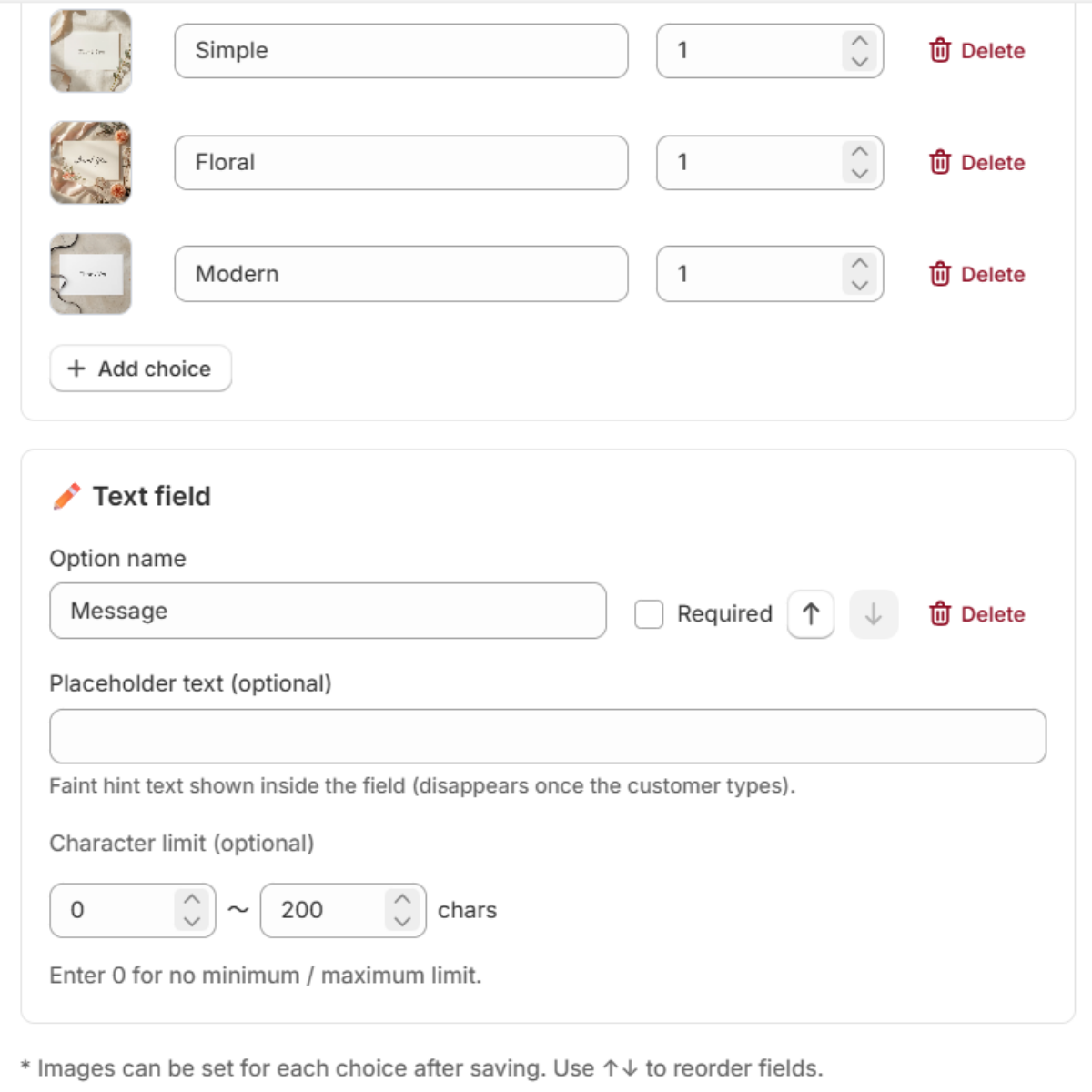
Admin: text field settings with character limits 03

Text fields for names and notes

Add text fields for engraved names, gift messages or delivery notes. Set them required or optional, with minimum and maximum length

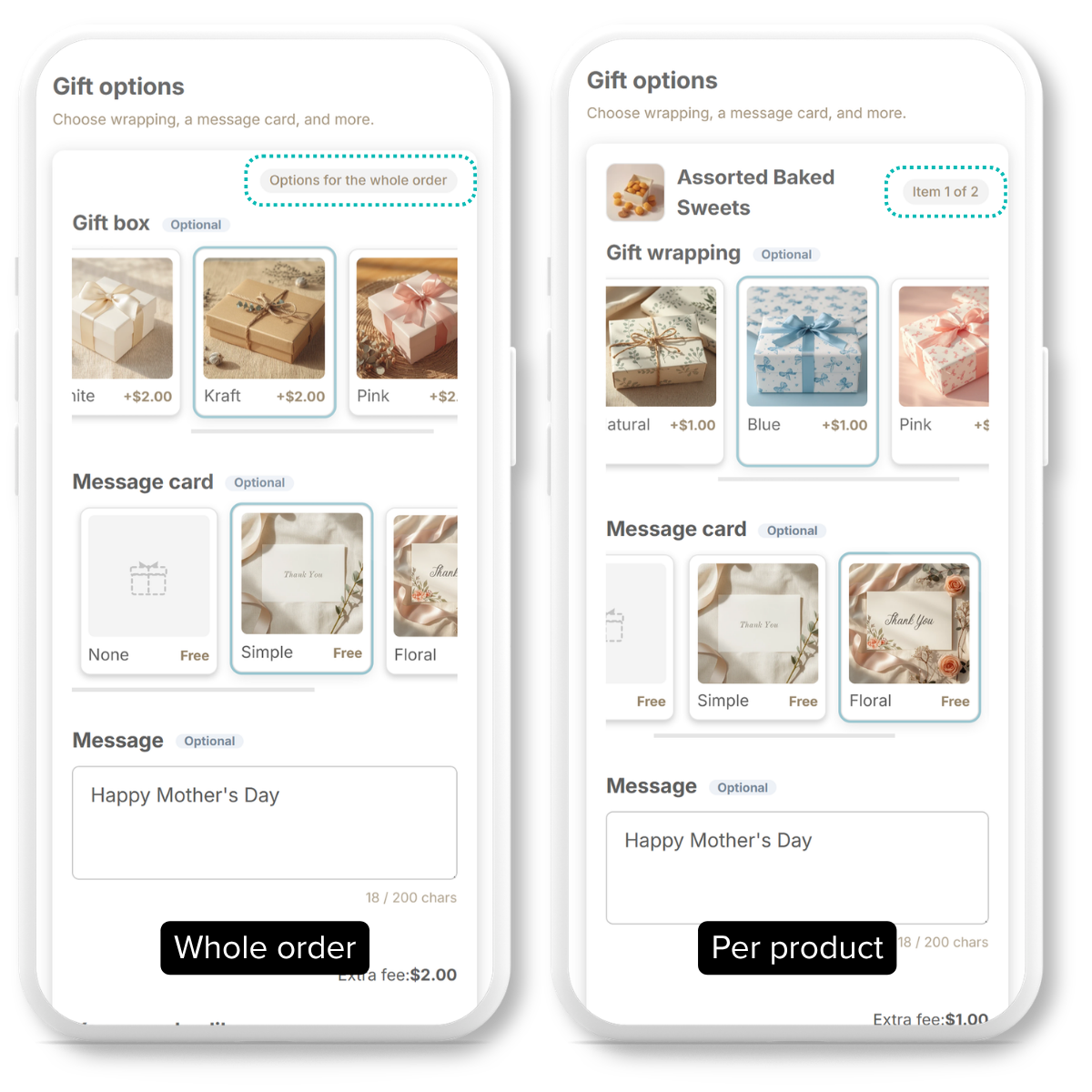
Per-product and whole-order gift option modes 04

Per product, or one gift per order

Set options per product, or treat the whole order as one gift. Switch between the two with a single setting — no theme code

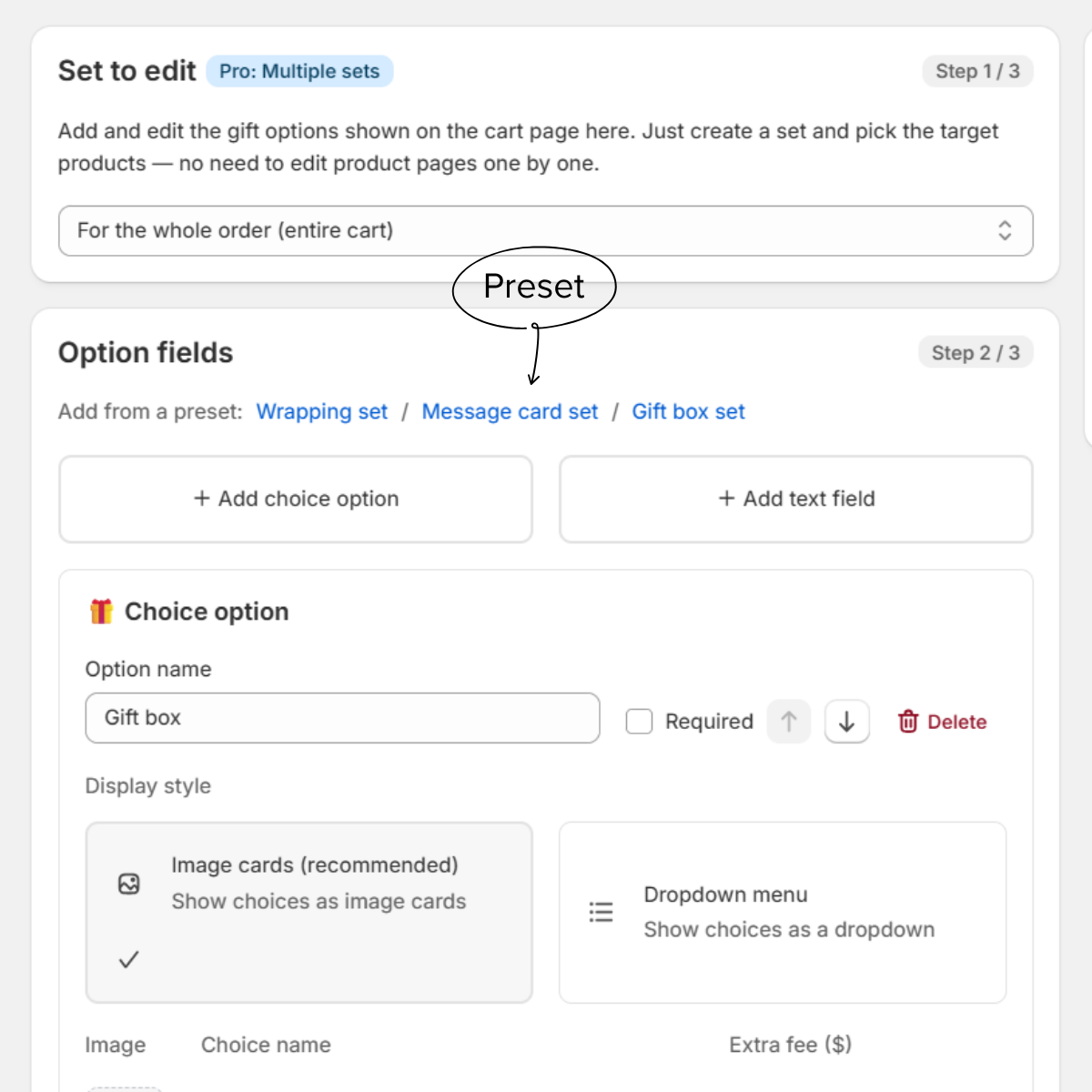
Admin: add a ready-made option set in one click 05

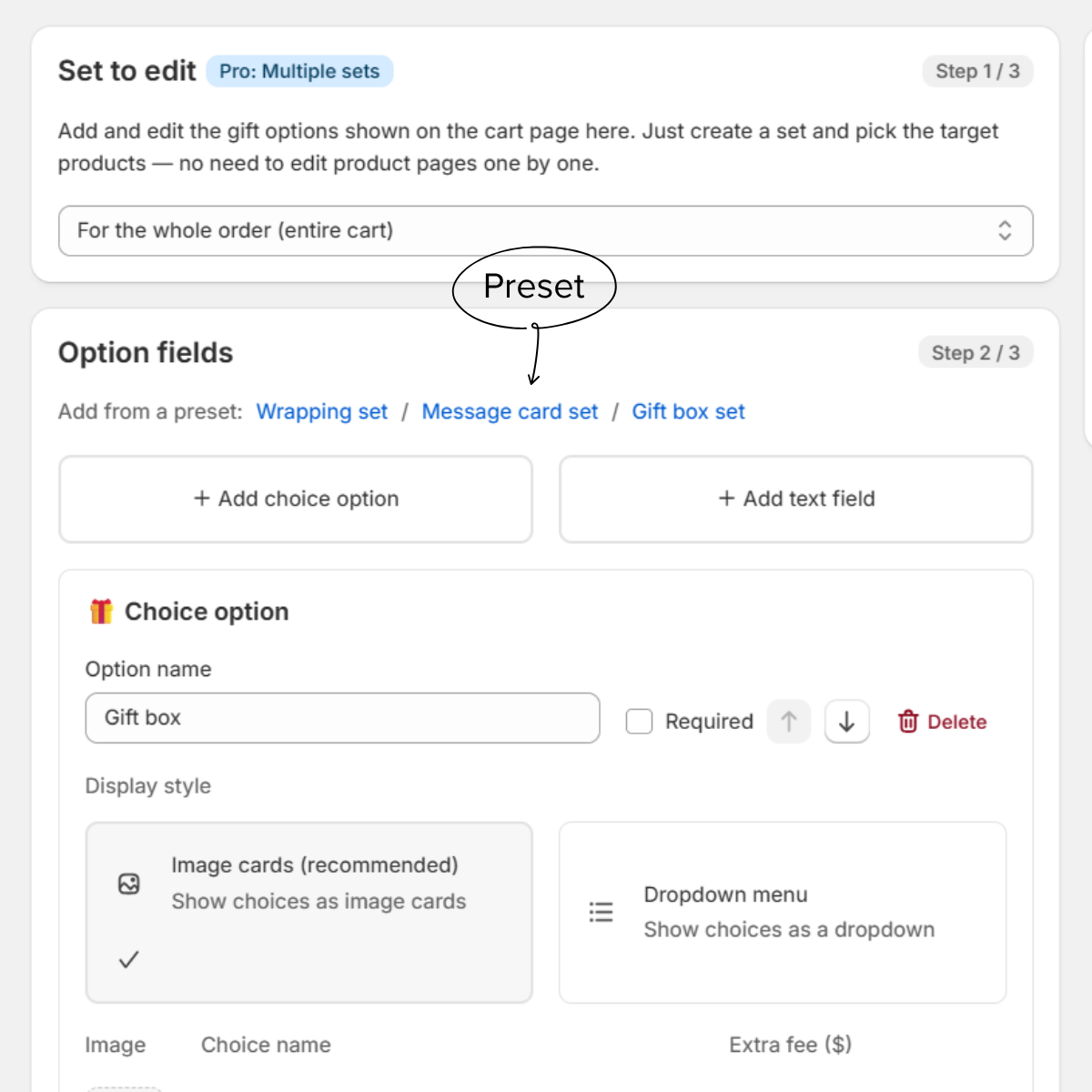
Start from a preset, today

Build a ready-made set in one click, images included. Use it as is, or edit anything you like

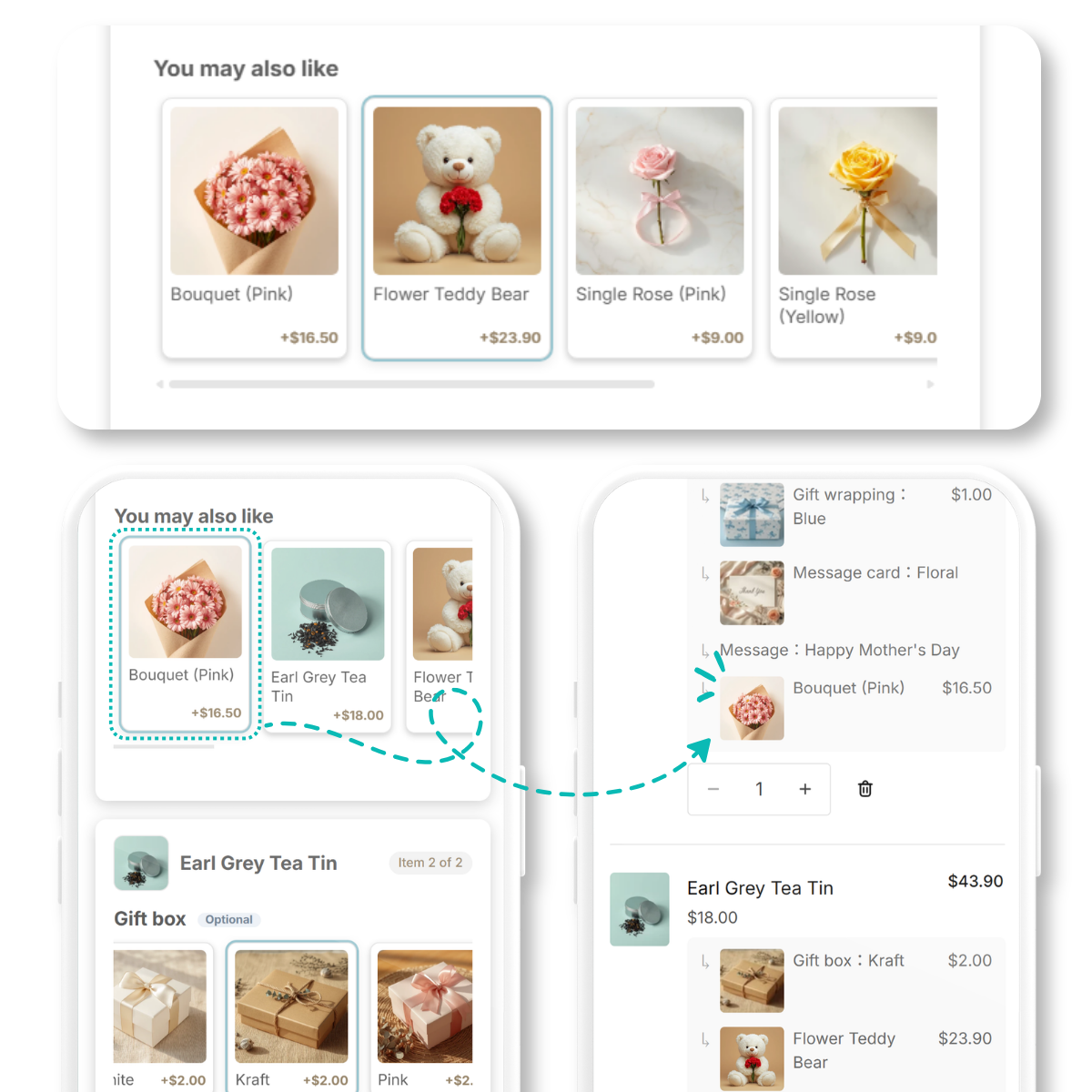
You may also like upsell row in the cart 06

Upsell where they are choosing

Offer related products in the cart while the shopper is already choosing a gift. One tap adds them to the order

USE CASES

Fits any kind
of shop

Not built for one industry. Combine only the options your products actually need

Florists gift example

Florists

Wrapping, message cards, ribbon, vases, care instructions

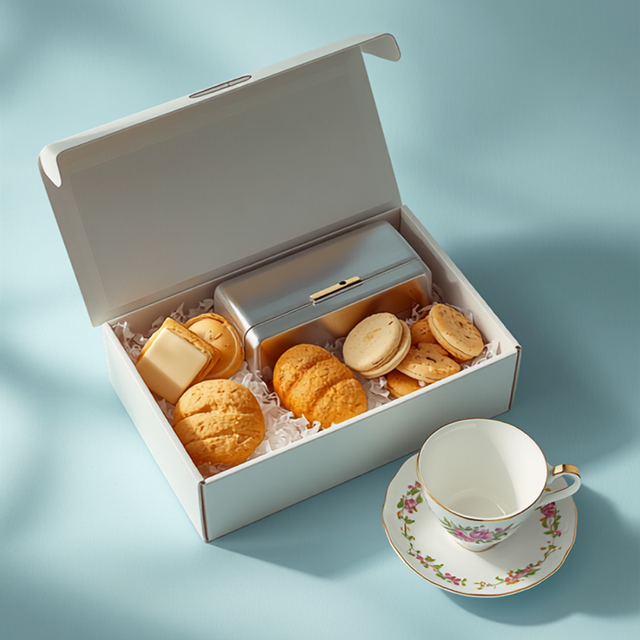
Food and sweets gift box example

Food & sweets

Wrapping, gift boxes, gift bags, extra treats

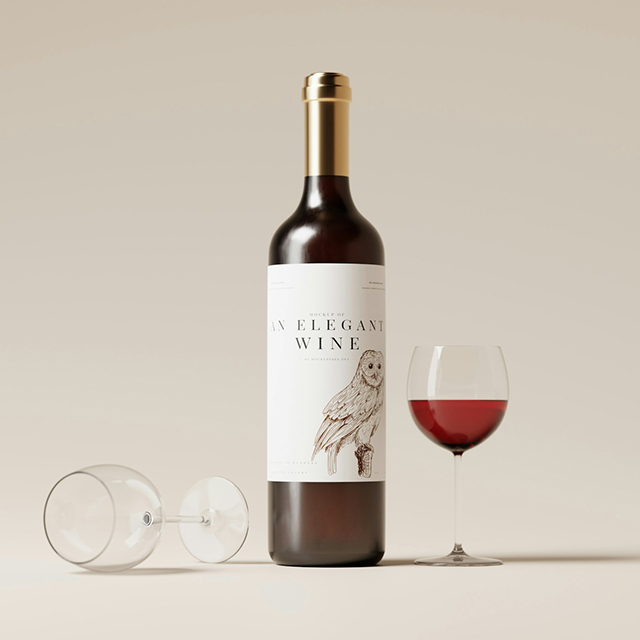
Wine & spirits gift example

Wine & spirits

Presentation boxes, message cards, snacks, glasses, bottle bags

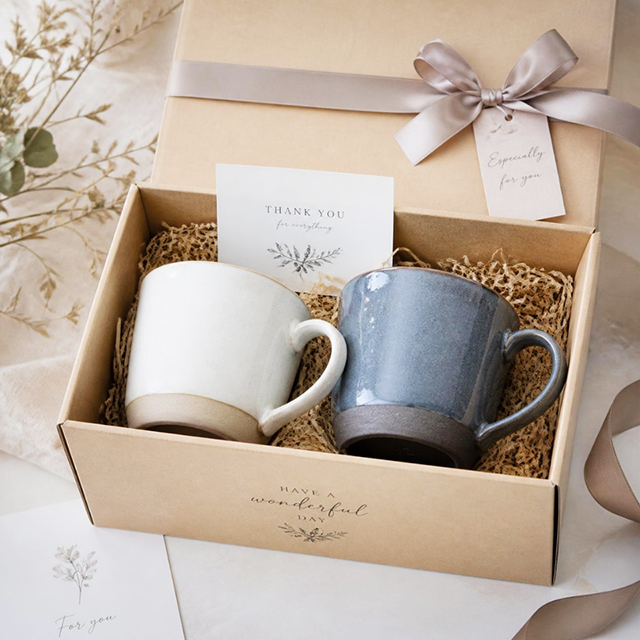
Homeware & lifestyle gift example

Homeware & lifestyle

Wrapping, gift boxes, message cards, accessories, no-invoice option

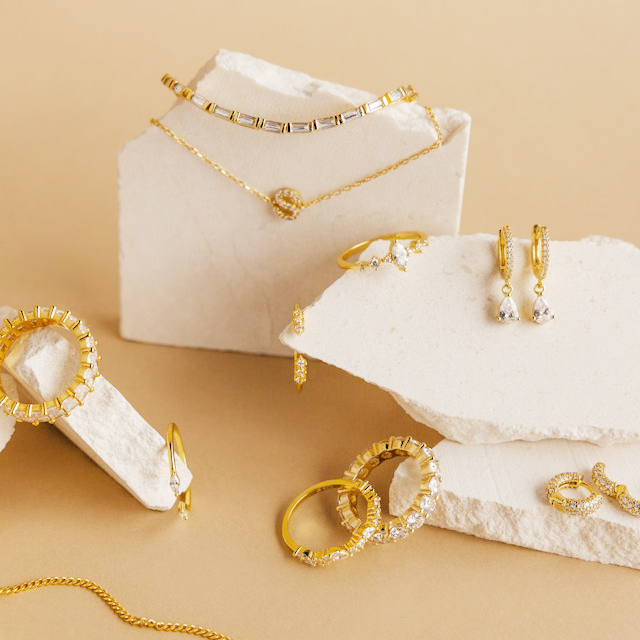
Jewellery & fashion gift example

Jewellery & fashion

Wrapping, gift boxes, message cards, jewellery cases

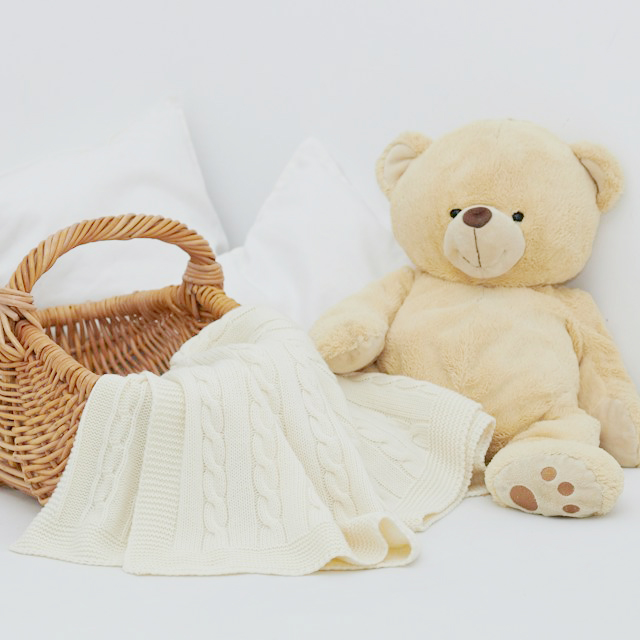
Baby & new parents gift example

Baby & new parents

Wrapping, gift boxes, message cards, gift bags, no-invoice option

FLEXIBLE

One gift, or one
per product

Treat the whole order as a single gift, or give each product its own options. Switch between the two from the theme settings — no code.

  • Treat the whole order as one gift
  • Give each product its own gift options
  • Switch modes from the theme settings
Per-product and whole-order mode settings
EASY PRESETS

Start from a preset,
then make it yours

Pick a ready-made preset and use it as is, or build your own to match your products. Option images are included, so there is nothing to prepare

  • Ready-made presets, one click away
  • Customise anything to match your shop
  • Option images are included — nothing to prepare
  • No theme code editing
Admin: build an option set and style it
UPSELL

Upsell, right in the cart

Offer related products with a "You may also like" row while the shopper is choosing a gift — a natural nudge that lifts order value. Works in both English and Japanese storefronts

  • Suggested while they are choosing a gift
  • Added to the cart with one tap
  • Pairs naturally with wrapping and cards
  • Lifts average order value (Pro)
You may also like upsell row in the cart

CLEAN

Made for mobile shoppers

Easy to read and easy to tap — designed for the phone first

Cart page showing gift options grouped under each product

The cart reads as one gift

Every choice sits under the product it belongs to, so the cart and checkout stay readable. The selections stay on the order, ready for your packing team

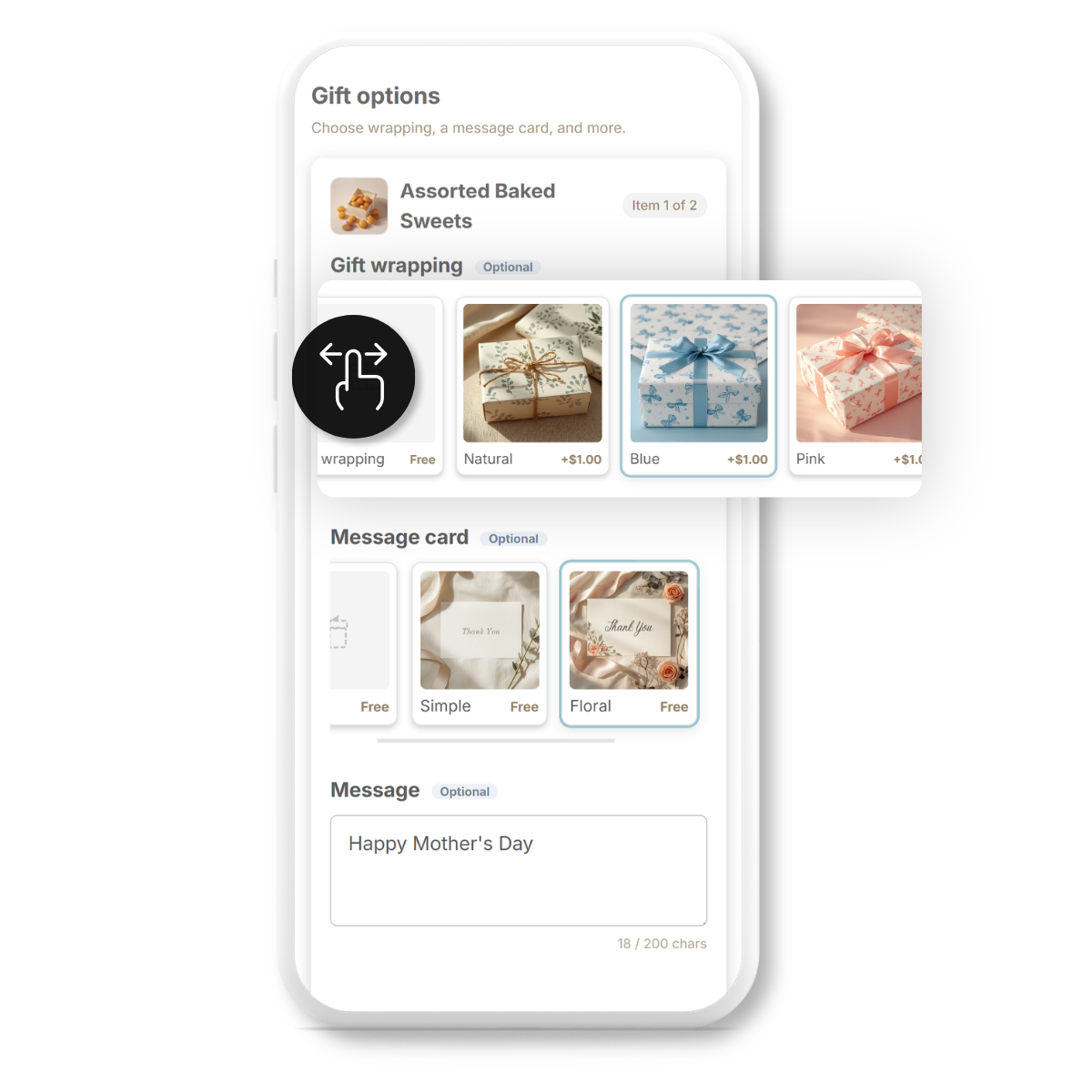
Gift options as swipeable image cards on mobile

Quick to pick on a phone

Image cards swipe sideways with one thumb, so nothing gets buried. Designed for small screens from the start

PRICING

Pricing

From free gift options to priced add-ons and upsell
All features are free while we are in launch

Free

$0

For shops getting started. Offer free gift options right away

  • Free options (wrapping / cards / messages)
  • Text fields for names and notes
  • Presets and mobile-ready layout
  • Unlimited orders
Start free
Popular

Standard

$9.99/mo

For shops that want to charge for wrapping, boxes and other options

  • Everything in Free
  • Priced options
  • Per-product mode
  • Up to 5 option sets
7-day free trial

Pro

$19.99/mo

For shops that want to suggest add-ons and lift order value

  • Everything in Standard
  • Upsell in the cart
  • Unlimited option sets
  • Priority email support and setup help
  • Support in English and Japanese
7-day free trial

Annual plans save 10%. Prices are in USD and shown in local currency. All features are free while we are in launch

FAQ

Frequently asked questions

Do I need to edit my theme code?

No. Turn the app on, add the block to your cart page, and you are done. There are no product pages to edit one by one

Can I build my own options?

Yes. Choices, prices, images, order and free-text fields are all yours to set. You are not locked into a fixed gift format

Can I charge for options?

Yes. Give any choice a price and it is added to the cart total automatically. Free options work on every plan

Do I have to supply the images?

Presets come with images included, so you can launch straight away. You can swap in your own photos whenever you like

Will the cart get cluttered?

No. Each choice sits under the product it belongs to, so the cart and checkout stay readable and it is clear what applies to what

Where do I see the choices after an order?

They stay on the order. Your packing team reads them from the usual order screen — no emails or notes fields to cross-check

Does it work on mobile?

Yes. Options show as image cards that swipe sideways, designed for small screens from the start

What does it cost?

All features are free while we are in launch